Composition first
Decide the format, main object, and mood. The agent proposes options; you choose a direction.
PROMO CREATIVES SKILL 1.4.5
An AI scene, independent details, a real product, and HTML copy. Every layer can be edited in code without re-generating.
From a concept to a finished composition
<div class="creative">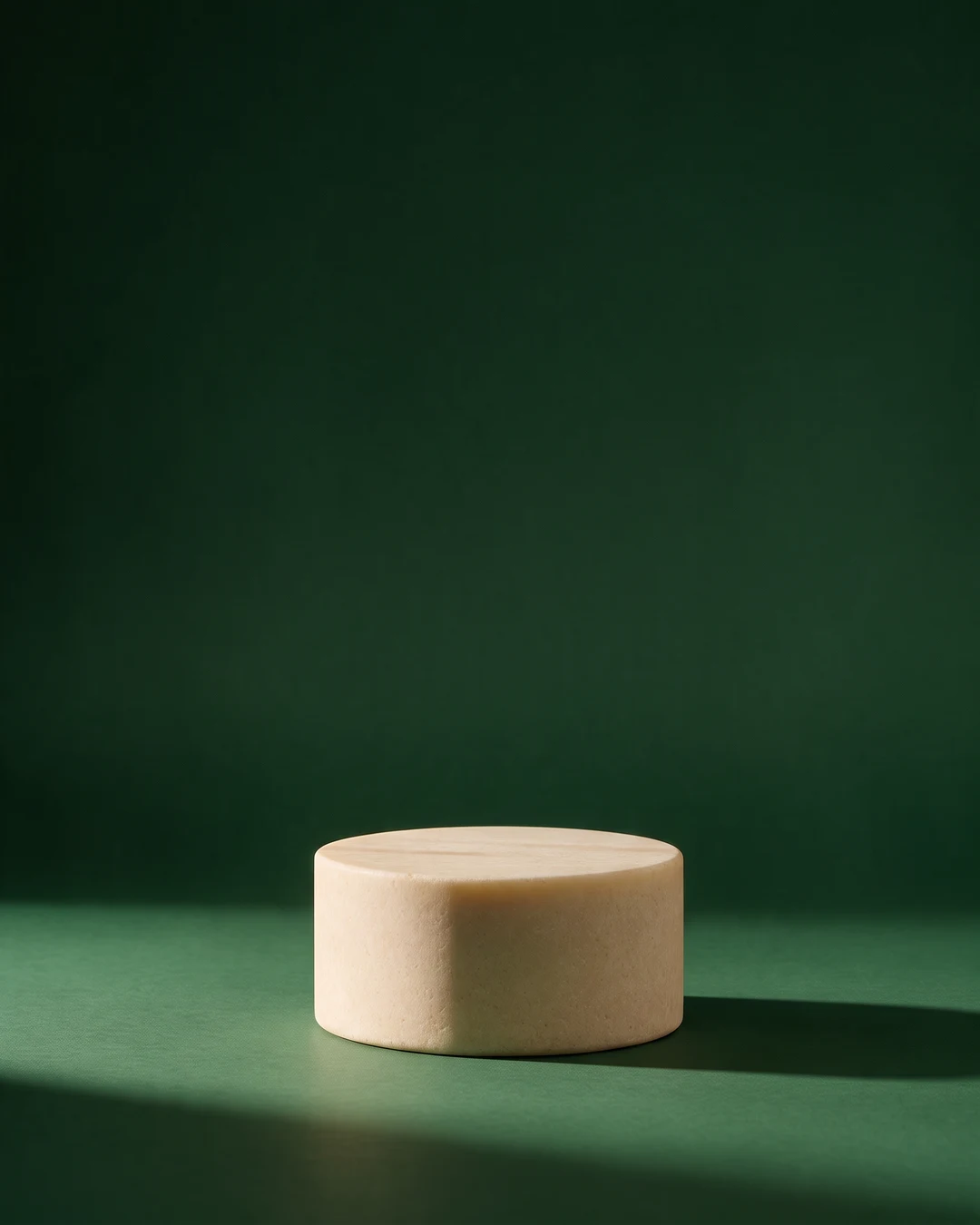








BEHIND THE SCENES
AI makes the scene. Product, copy, and decoration become independent HTML layers. That means any element can move, change, or disappear without a new generation.
Decide the format, main object, and mood. The agent proposes options; you choose a direction.
AI provides atmosphere. The screenshot shows the product. Copy, logo, and decoration remain independent HTML elements.
Say “move the phone higher” or “remove the crumbs.” The agent changes HTML and CSS instead of generating the banner again.
Check spacing, crop, fonts, and canvas size. You keep both the finished image and a layout ready for the next edit.
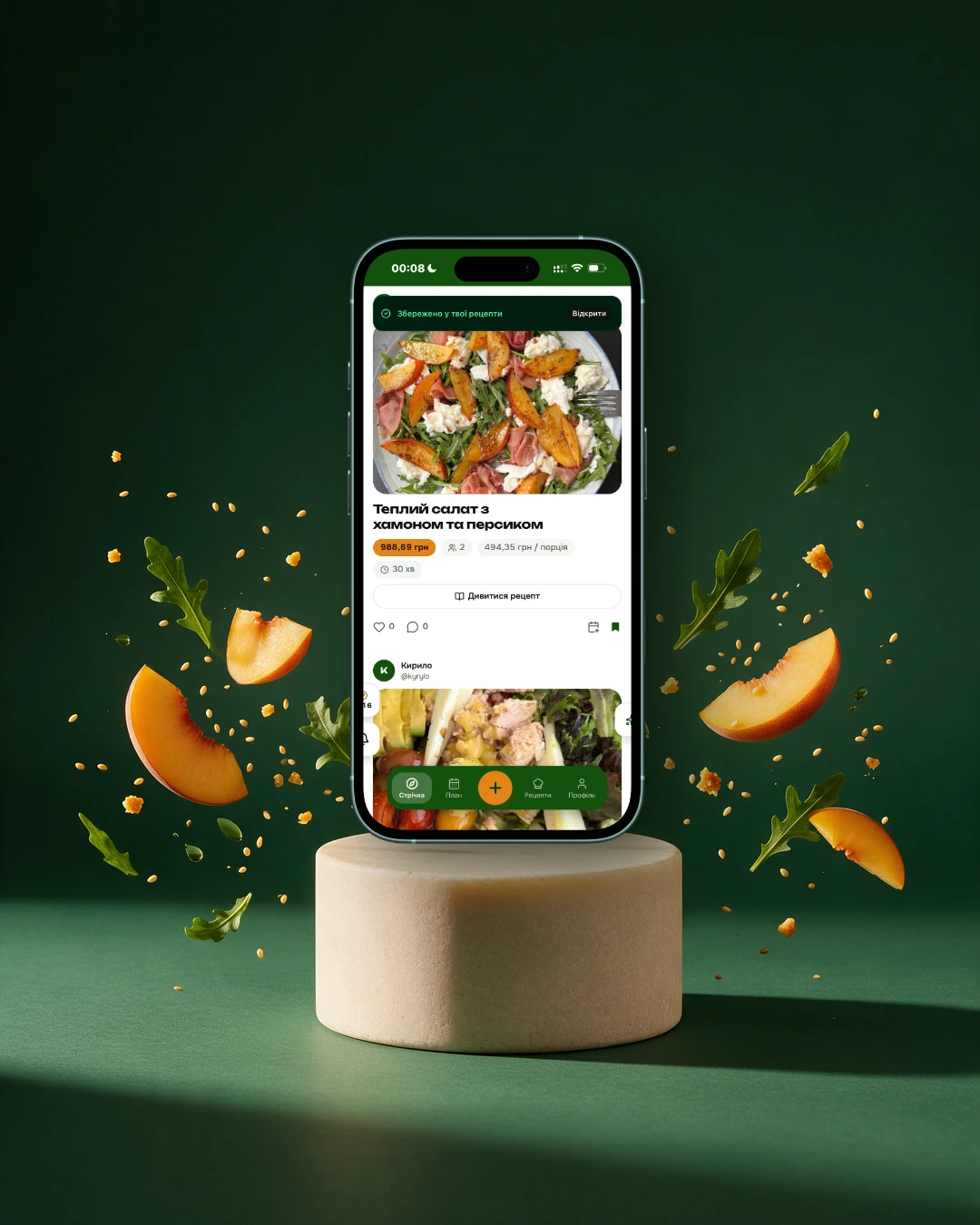 Our actual creative · 1080 × 1350
MADE FOR OUR OWN PRODUCT
Ukoshiku saves recipes, helps plan menus, and connects people with similar tastes. The banner shows a real screen from the app.
This scene combines an AI background, transparent peaches and greens, a screenshot, and HTML copy. For a different rhythm, we move the layers in code.
See UkoshikuNOW IT IS YOUR TURN
Banners, posts, and carousels. Give your agent the brand, materials, and brief. It will build an HTML layout you can edit in words.
Download skill ZIPVersion 1.4.5 · MIT · no sign-up
Works with agents that support the standard skills format.
npx skills add ukoshiku/promo-creatives --skill promo-creativesFor local rendering, install Chrome, Chromium, or Edge, Python 3.9+, and these libraries:
macOS / Linux: python3 -m pip install pillow numpy
Windows: py -m pip install pillow numpy
Standard browser installations are detected automatically on macOS, Linux, and Windows. An image generator is optional: your own photography works too.
Download the ZIP above and place the promo-creatives folder in your skills directory:
macOS / Linux: ~/.codex/skills/promo-creatives/
Windows: %USERPROFILE%\\.codex\\skills\\promo-creatives\\
Claude Code can also install skills through its Marketplace.
Restart your agent, attach your brand materials, and try this prompt:
Use the promo-creatives skill. Create a 1080 × 1350 promo banner for my product. Propose the composition first. I am attaching a screenshot, logo, and brand colours.
Claude Code has a Marketplace install; other agents can use the ZIP. The scripts need access to local files and a terminal.
A SKILL.md with the workflow, HTML templates, composition references, and Python scripts for rendering and checks. Product photography and access to image generators are not included.
No. Artlist appears only in this demo. Use your own photography or any image generator you have access to; its subscription or API is separate.
No, when the change is copy, placement, size, or the number of prepared layers. The agent updates HTML and CSS. A new generation is only needed for a new background or visual object.
No. Use the skill for physical products, services, events, and your own brand: provide the assets and describe the brief.
The skill code and instructions are released under MIT. Check rights for your own photography, fonts, and generated materials separately.